

Your welcome bonus
Free for Java & Bedrock
Your adventure. Your starter kit.
Your own plot, new neighbors, big building plans. Start on PrimeBlocks with 30 days of Premium, coins and Gems.
35 players are online now
Your way into PrimeBlocks.
Choose your guide: Minecraft Java on PC or Bedrock on a console with the PrimeBlocks app.
Step 1: Click "Multiplayer", then "Add Server".
Step 2: Enter in "Server Address".
Step 3: Click "Done", then "Join Server".
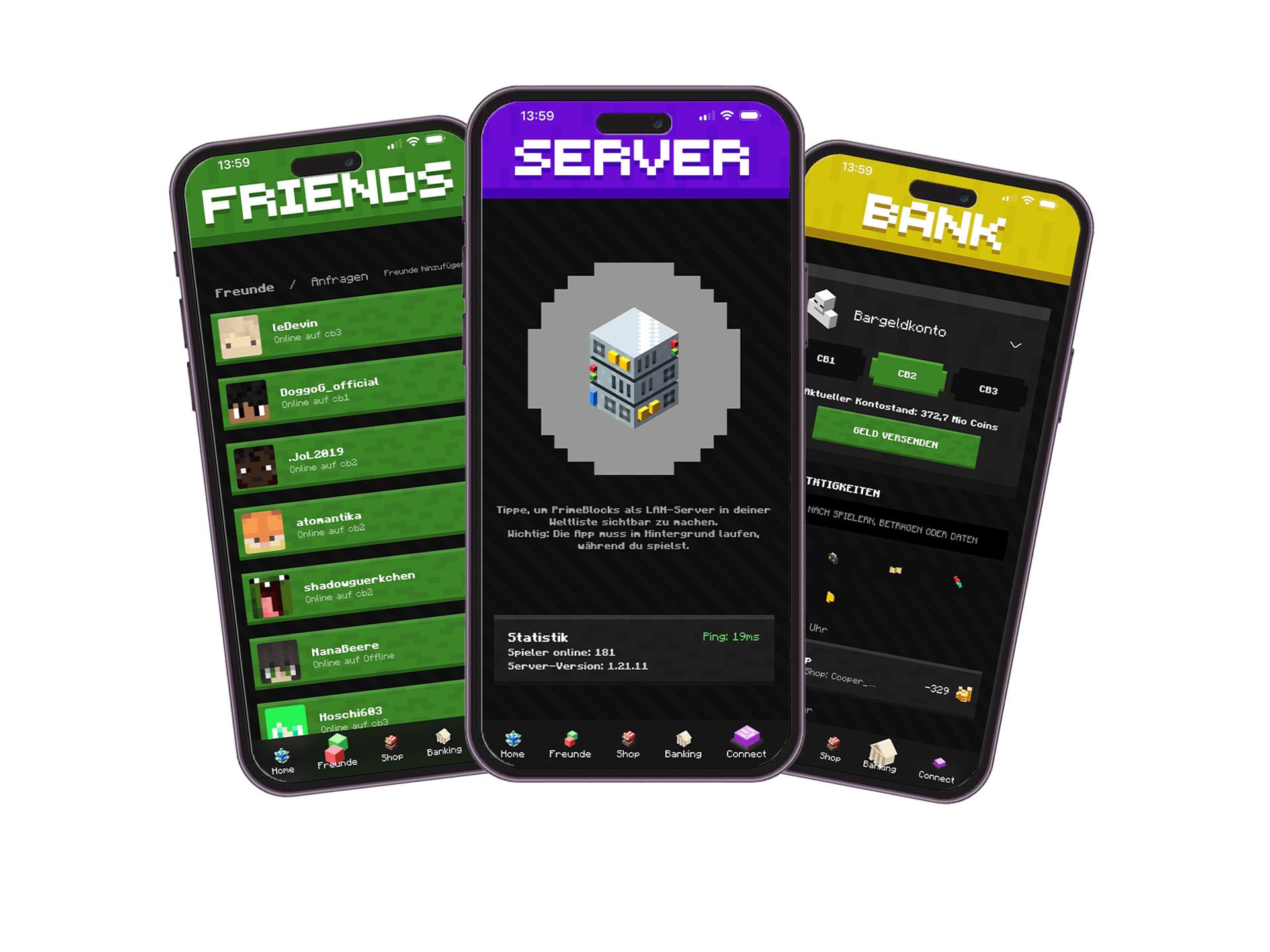
Your server. On the go.
Link your Minecraft account to the PrimeBlocks app. Keep in touch with friends, collect daily rewards and manage your in-game money – for Java and Bedrock players.
Link your Minecraft account
Connect your account and sync your game progress.
Daily rewards
Collect your daily rewards in the app.
Friends & chat
Keep in touch through your friends list and chat.
Shop on the go
Ranks, bundles, Gems and boosters are in the shop.
In-game banking
Check your balance and manage your in-game money.
Console Connect
Use Connect to make the server appear in your console’s LAN worlds.
The downloads and QR code link to the PrimeBlocks app.
 Scan with your phone
Voices from the community.
Meet our partners and their channels.
gamingguidesde
CreatorKautschuk_
JrCreatorleDevin
CreatorWhy PrimeBlocks?
Free to play, with earnable Gems
Play for free and earn Gems through jobs, rewards and events.
Reliable server operation
We keep the server stable so you can just play.
Active development
Our team builds new features, updates and bug fixes.
Custom systems and items
Unique features and items, no extra mods needed.
A wiki to guide you
Look up commands and find your next step.
Support and community
Our team can help with questions. Meet other players and join the conversation on Discord.
See how it works.
German video · PrimeBlocks
Getting started with CityBuild
The basics for new players.
Your first block is waiting.
Activate your starter kit and make PrimeBlocks your home.