
A reward every day
Collect coins, Gems and Rubies for your CityBuild.
Your CityBuild server
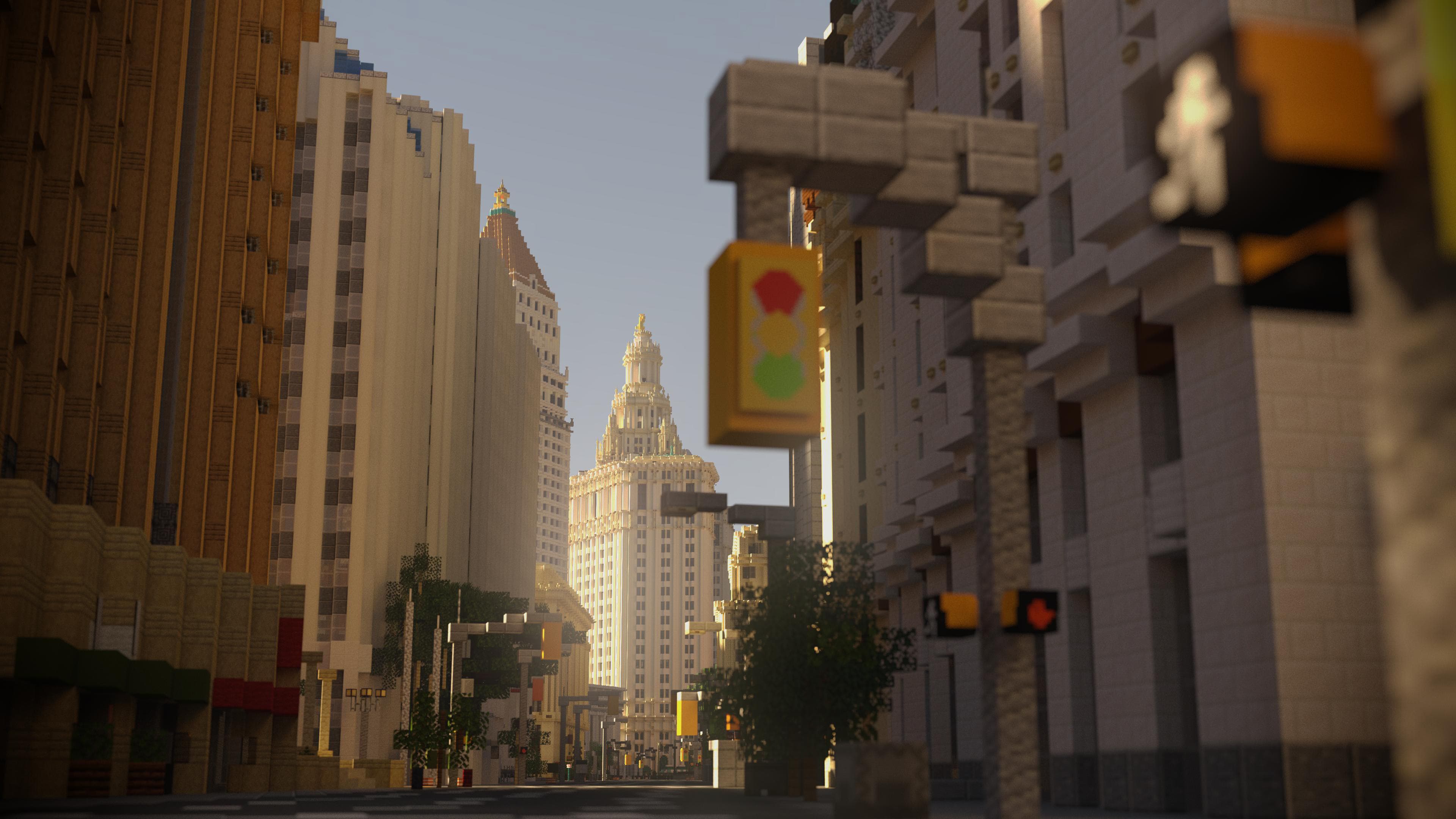
On PrimeBlocks, you have your own plot to build on. Gather resources for your base, level up your jobs and trade with other players.
Choose your edition and follow the steps. Console players connect through the PrimeBlocks app.
Wiki
The community wiki explains PrimeBlocks, from claiming your first plot to trading with other players.
Search by title, tag, or article text.
No matching articles in English yet. Try a different term.
CityBuild is a Minecraft server mode where you build on your own plot and share a world with other players. On PrimeBlocks, you gather resources, earn money from jobs and trade with others. You decide what to build.
Learn about plots
PrimeBlocks is a CityBuild server with many familiar SMP features: survival gameplay, building together, trading, auctions and PvP. The difference from an SMP without land protection: you build on your own protected plot. Other players cannot break blocks or destroy your builds there unless you give them permission.
Learn about plot protection
Use /p auto to claim a free plot, or talk to the plot NPC at spawn. You build there and choose who builds with you.
Get your first plot
Gather wood, stone and other resources in the resource worlds. Use /farm to choose between the Overworld, Nether and End. Build your home on your plot, because the resource worlds reset on the first day of every month.
Explore the resource worlds
Jobs earn you money while you play, for example by gathering resources. You can have several jobs at once and sell the items you collect to other players. The wiki lists every job and what it pays.
Jobs and earnings
You can use chest shops or trade directly with other players. Send a nearby player a trade request with /trade <name>. In the trade window you both check the items and coins, then confirm.
How trading works
Yes. In the plot menu you give friends building permissions and take them away again. Choose whether they apply all the time or only while you are on the CityBuild server. Only give permissions to players you trust, because they also allow access to blocks and chests.
Manage plot permissions
The wiki has guides to the main gameplay systems. If you still need help, ask our support team on Discord. The link takes you straight to the server.
Join the PrimeBlocks Discord
Collect your daily rewards, message your friends and keep track of your in-game accounts from your phone.
Collect coins, Gems and Rubies for your CityBuild.
Message your friends between the app and Minecraft.
Connect your Xbox, PlayStation or Nintendo Switch to PrimeBlocks through the app.
Link your Minecraft account in the app to sync your progress.
Collect daily login rewards in the app: coins, Gems and Rubies for the CityBuild of your choice.
Send and accept friend requests, check who is online and see where your friends are playing. App messages arrive as private messages in Minecraft. Replies come back to the app.
View account activity, search transactions and send in-game money to other players. Manage your cash balance and /konto on all CityBuild servers.
Buy ranks, bundles, Gems and boosters right in the built-in shop.
Start Bedrock Connect in the app and PrimeBlocks appears in your LAN worlds. Join from Xbox, PlayStation or Nintendo Switch.
Updates, events and important announcements are on the app’s home screen.
Link your Minecraft account to the app to access your in-game accounts, friends and progress.
Download the PrimeBlocks app from the App Store or Google Play.
Run on PrimeBlocks to receive a six-digit code.
Enter the code under LOGIN on the app’s home screen. Your account will be linked and your progress synced.
Our team never asks for it. Anyone with your code can access your in-game accounts.
Run again for a new code. All older codes become invalid.
PRIMEBLOCKS STORE
Ranks, Gems, the Gem Pass and boosters for your CityBuild.
Prices come from Tebex. You see the final price in the shop.